 PassportPhotoFlow
US passport photo online
Take or upload it with your phone, see it checked, download it. Nothing to install.
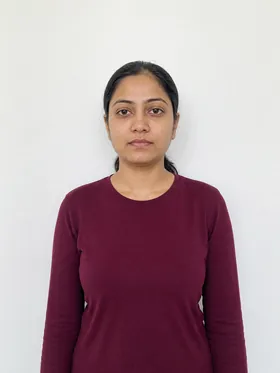
Your phone photo
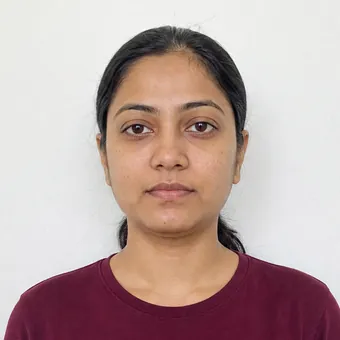
2×2 in
Take or upload photo
Not affiliated with any government agency.
What we do for you
- We crop, size and, if needed, turn it upright
- We check head size and eye height
- We check background, glasses, expression and lighting
- We never change your face or your wall
How to do it
- 1
Stand at a plain white or off-white wall
- 2
See the check, fix anything flagged
- 3
Download your photo

U.S. passport and visa photo specs
| Print size | 2×2 in (51×51 mm) |
|---|---|
| Head | 1 to 1⅜ in (25 to 35 mm) |
| Background | Plain white or off-white |
| Passport digital file | Between 54 KB and 10 MB |
| Visa digital file | 600×600 pixels, up to 240 kB |
Source: U.S. Department of State, read November 6, 2026. Not affiliated with any government agency.
Questions
Can I use a photo made online for my passport application?
Yes, if it meets the photo requirements. Upload the digital file for online renewal, or print it for a paper application. The agency makes the final decision.
Do you edit my face or replace the background?
No. We only crop and size your photo to 2×2 inches. If the wall isn't right, the check tells you how to fix it.
Do I need to install an app?
No. It runs in your phone's browser. On a computer, upload a photo instead.